Docs
Courses
Courses
Create courses, modules, and lessons.
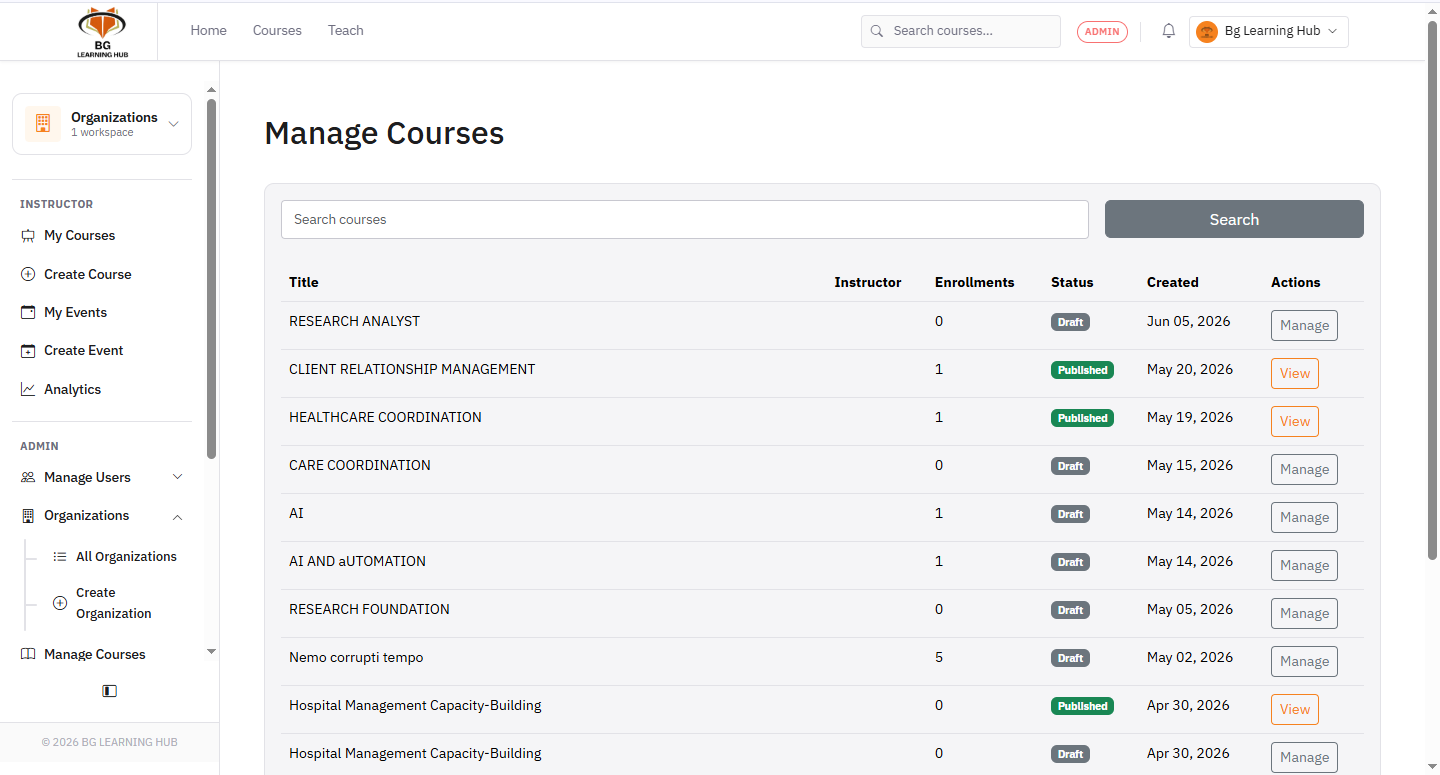
Create a course
1Go to Courses → My Courses → New Course.
2Fill in title, description, category, and thumbnail → Create.
3You land on the Modules page to build out the content.
Add modules & lessons
1Type a module name in the sidebar → Add module.
2Click + Add lesson inside the module.
3Drag the handle to reorder modules or lessons.
Publish
1Edit the course → set Status → Published → Save.
2The course appears in the catalog and learners can enroll.
Course statuses
–Draft — visible only to the instructor.
–Published — visible to all learners in the catalog.
–Archived — hidden from catalog; enrolled learners can still access it.