Docs
Dashboard
Dashboard
Your home base — activity, stats, and quick links.
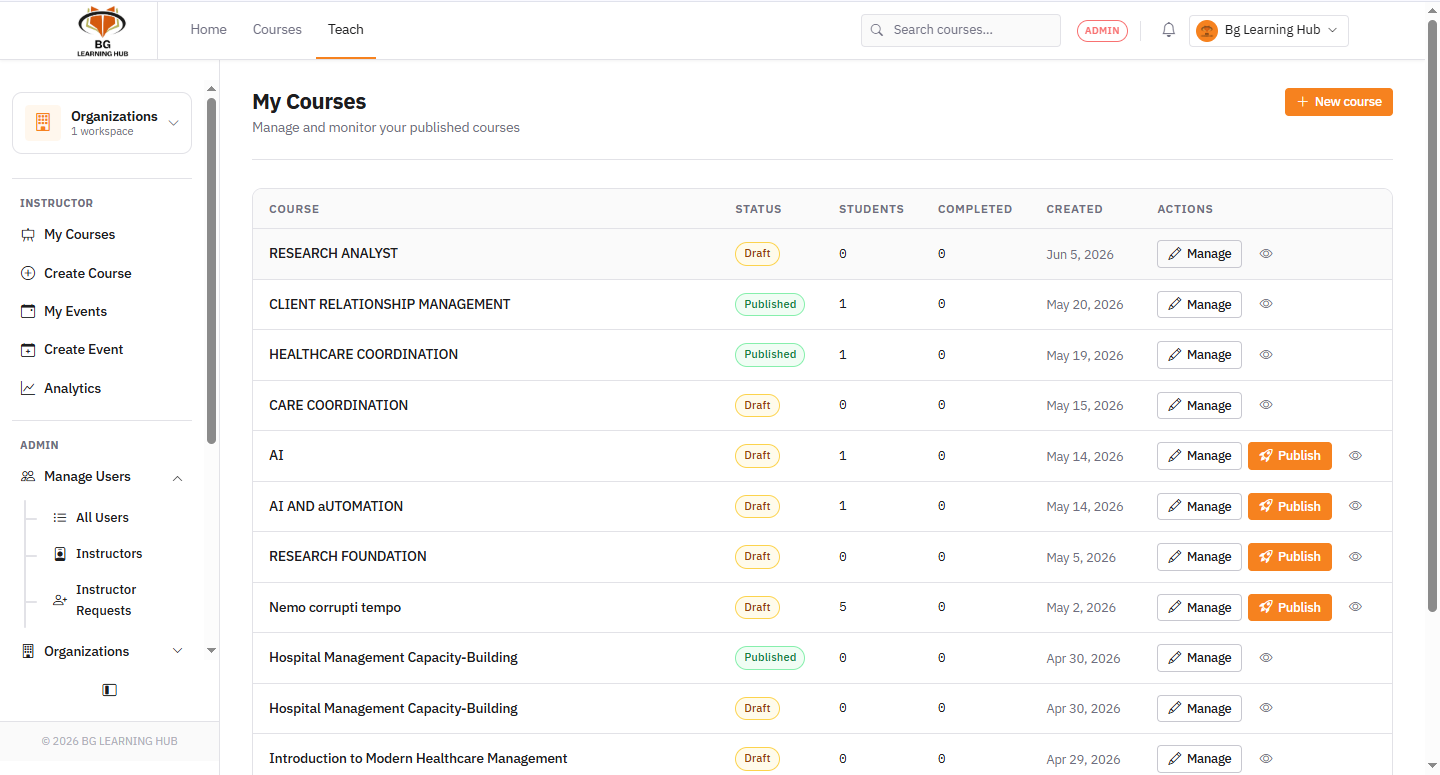
The dashboard is the first screen after login. It shows your active courses, recent learner activity, enrollment counts, and quick-access links to every section.
What you see
1Stats bar — total enrollments, active learners, certificates issued.
2Recent activity — who enrolled, who completed, and recent quiz results.
3Quick links — jump to courses, certificates, or assessments in one click.
Navigation
1Use the top nav to switch between major sections.
2The sidebar (on instructor/admin pages) gives contextual links for the current course or org.