Docs
Notifications
Notifications
In-app and email notification settings.
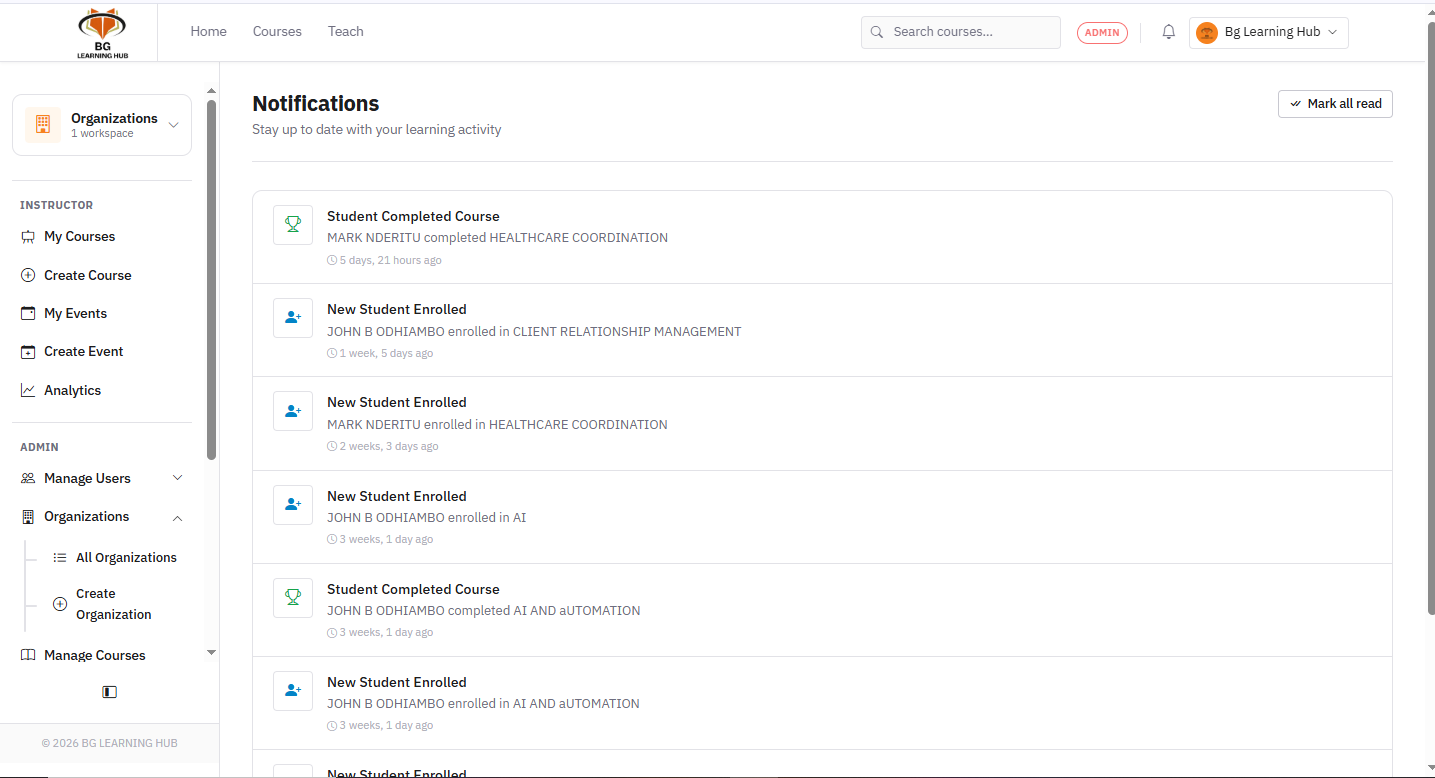
In-app notifications
1Click the icon in the top bar — shows all unread notifications.
2Click a notification to go directly to the relevant page.
3Click Mark all read to clear the badge.
Email notifications
1Go to Settings → Notifications.
2Toggle on/off: new enrollment, lesson completion, quiz result, certificate issued, and announcements.
Instructor alerts
1Instructors receive a notification when a learner enrolls in or completes their course.
2Failed quiz attempts (if configured) also trigger a notification.