Docs
Settings
Settings
Platform configuration — admin only.
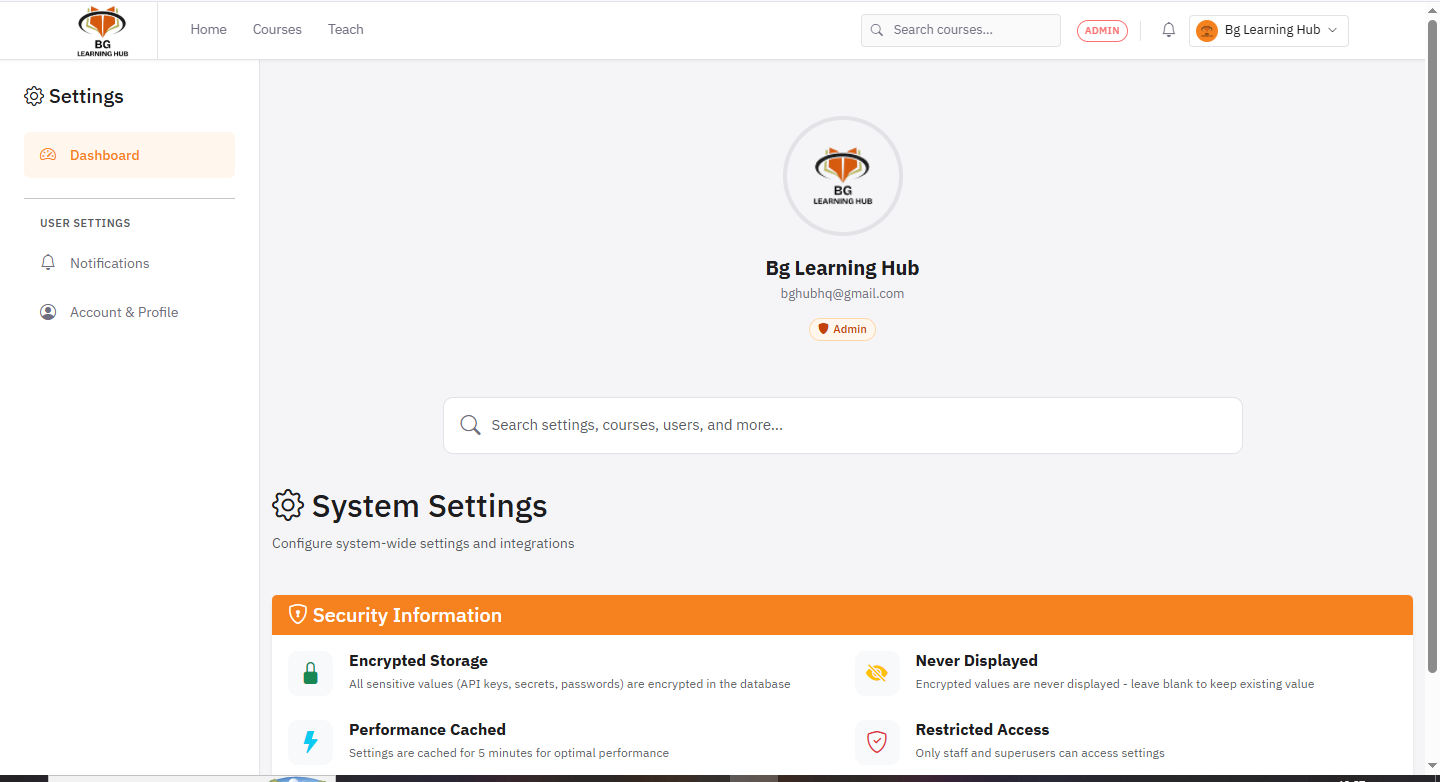
Settings are admin-only. Go to Settings from the top nav or sidebar. Six sections are available.
General
–Site name, description, and maintenance mode toggle.
1Choose a provider: SMTP, SendGrid, or Resend.
2Fill in host/port/credentials or paste the API key.
3Set a From Email address and contact details.
4Use Send test email to verify the configuration works.
Payment Gateways
1Choose a default gateway: Paystack, M-Pesa, or BGHUB.
2Paste public and secret keys for the chosen gateway.
3For M-Pesa, set Consumer Key, Consumer Secret, Passkey, and environment (sandbox / live).
AI Providers
1Set a default provider: OpenAI, Gemini, or Anthropic.
2Paste the API key for each provider you want to enable.
3Adjust model name, timeout, max tokens, and temperature per provider.
4Enable Auto fallback to try the next provider if the primary fails.
5Add custom OpenAI-compatible providers via the Custom Provider modal.
Auth Providers
1Paste your Google OAuth Client ID and Client Secret.
2Add the shown redirect URI to your Google Cloud Console app.
3Save — Google login appears on the sign-in page immediately.
Security
–Configure session timeouts, password policies, and allowed login attempts.
All sensitive values (API keys, passwords) are encrypted at rest and never displayed in plain text after saving.